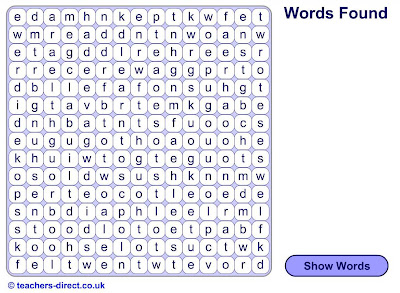
I've made this using a resource on the "
teachers-direct website" . It's an
interactive wordsearch for students to practice irregular past tenses. This is ideal for 5th and 6th year primary. I'll explain how I did it, the whole process takes less than 10 minutes!
If you click on "make your own wordsearch" which opens a new page with a few easy steps.
1st - give a name to your wordsearch.
2nd - select the age of students you are making it for (this helps other teachers find your puzzle and share resources)
3rd - select: grid size - 15 x 15; wordsearch type - interactive wordsearch; text - lower case then click - "next" and a new page opens with a space for you to put in the words you want to use in your wordsearch.
4th - I just copy pasted a table of irregular veb endings from any of the hundreds you can find on the net, but you can use anything, animals, fruit, halloween vocab etc and you can use as many words as you want. I used about 44!
5th - select word direction - all directions and unused letters - normal (this is incase the programme needs to add extra letters to fill spaces).
then click preview which shows you how the wordsearch will look.
Then you have an option to add a description to help other people find your puzzle and you press
create. All done!
You now have a pdf version and a link to the interactive wordsearch on the web.
Here's mine!